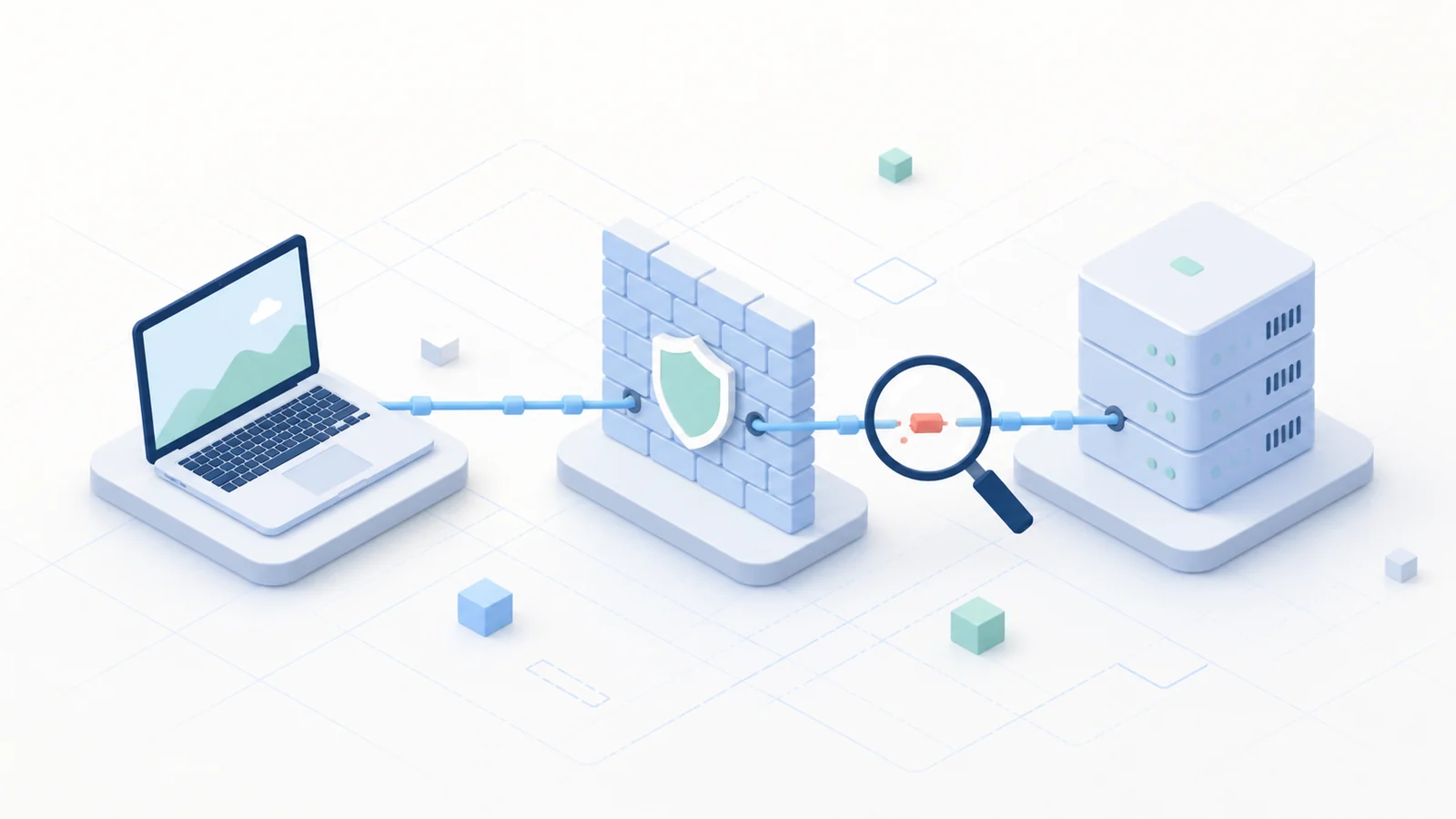
A connection error can originate before the client reaches the gateway, during certificate negotiation, at authentication, while receiving an address, or after the tunnel is already active. Randomly changing several settings hides the responsible layer. A better process records the exact error, timestamp, user, client version, operating system, and external network, then moves from the public path toward the internal application.
Define the symptom before changing anything
Ask whether the client cannot reach the server, rejects its identity, refuses credentials, connects and immediately disconnects, or stays connected while a particular resource fails. These outcomes belong to different layers. Capture the displayed message and client log before retrying, because a later attempt may overwrite the most useful evidence.
Determine scope. One affected user suggests an endpoint, account, or group issue. Many users failing at the same time suggests public DNS, certificate, Firebox availability, authentication infrastructure, address-pool exhaustion, or a recent policy change. Test with a known-good account and device only when policy permits it.
Verify public reachability
Confirm that the configured hostname resolves to the intended public address. A stale DNS record, typing error, captive portal, or blocked outbound connection can prevent the client from reaching the Firebox. Compare behavior on a second external network without disabling endpoint protection or bypassing organizational controls.
Do not treat a successful ping as proof that the VPN service is available. The relevant transport must reach the correct interface and port, and upstream NAT must forward it as designed. Administrators should inspect Firebox traffic events to see whether the attempt arrives. No event points the investigation upstream; a deny or service event moves it onto the gateway.
Respect certificate failures
The gateway certificate must be valid for the hostname users enter, within its validity period, and chained to a trusted authority. An unexpected warning is evidence, not an inconvenience. Check the name, issuer, dates, and offered intermediate certificates. Also verify endpoint and appliance time synchronization, because a wrong clock can make a valid certificate appear expired or not yet valid.
Never teach users to click through warnings. If a certificate changed during planned maintenance, verify it through an established administrative channel. If the change was unexpected, stop and investigate DNS, gateway configuration, and possible interception.
Separate credentials from authorization
A correct password does not guarantee VPN authorization. Check account status, password expiry, group membership, authentication domain, MFA delivery, time synchronization, and the health of the configured identity service. Repeated prompts can represent a rejected factor, an unreachable directory, or policy that excludes the user.
Correlate the client timestamp with authentication and Firebox records. Record the reason code rather than assuming that every rejection is a mistyped password. Avoid repeated attempts that could lock the account or trigger automated defenses.
Check address assignment and tunnel stability
After authentication, the endpoint needs a virtual address and configuration. An exhausted or overlapping pool can stop new sessions. Inspect whether the assigned range conflicts with common home subnets, whether the lease appears on the Firebox, and whether the client receives the expected route set. Immediate disconnects may also point to policy, client compatibility, or unstable connectivity.
Test routes, DNS, and the application separately
When the tunnel shows connected, test an internal IP address before a hostname. If the IP works but the name does not, focus on DNS server assignment, search suffixes, conditional forwarding, and whether replies return through the tunnel. If neither works, compare the destination with installed routes and Firebox rules.
A reachable host does not prove that the application service is listening or permits the user. Test the required port and review server logs. Confirm return routing from the internal network to the VPN address pool. Asymmetric replies can make a correct outbound route look broken.
Build a clean escalation record
A useful ticket states what works, what fails, the exact time and error, gateway hostname, external network type, client and operating-system versions, assigned VPN address if any, and sanitized log excerpts. Do not include passwords, tokens, private keys, or unnecessary personal data.
For background on the system these checks support, see WatchGuard Firebox SSL VPN. After resolving the incident, document the root cause and preventive action. Monitoring certificate expiry, pool use, authentication health, and gateway capacity turns repeated firefighting into service improvement.